Should you ditch your camera for an iPhone? Barcelona on an iPhone 17 Pro
I had a short break in Barcelona recently (holiday, not a photo trip) and decided to use my iPhone 17 Pro for all the photography I did. This was partly because I couldn’t be bothered carrying a camera around with me, but also because I’d been trying out a couple of apps and I thought the results were fun.
The first app was Leica LUX which is made by Leica, of course. Leica claim this app brings “their legendary imagery directly to your iPhone”, which is a bit of a bold claim. Like their cameras, the app is ludicrously priced – not only is it a subscription model as opposed to a one-off cost (grrr), it’s a whopping £6.99 a month or £69.99 a year for an app that essentially just applies a few filters to standard iPhone pics. Like I say, it’s ludicrous. Still, I forked out £6.99 to give it a run.
I actually liked the simplicity of the app. You can’t zoom, you can only select one of the default sizes (0.5x, 1.0x, 2x etc). It’s one click to choose a filter, or one click to choose a specific Leica lens. The filters are actually pretty great (I liked Leica Chrome and Leica Teal), but the lens option is a bit of a gimmick. Sure you can pick a Summilux 35mm F1.4 and the result looks fun, but all it’s doing is setting the zoom to 35mm and applying the iPhone’s portrait mode, both which you can do yourself in the normal camera app anyway.
I was shooting in RAW with Leica LUX, and if you want the full 48 megapixels you need to shoot at 0.5x (urgh), 1.0x or 4.0x only. Anything else will shoot at 12 megapixels because it’s just a crop. So I decided to only shoot at 1x (24mm full frame equivalent – quite wide, but a focal length I like) or 4x (100mm). Nightmare, but I actually found this a fun challenge!
While I liked the UX of the Leica app, I didn’t like it enough to pay the subscription. I’d probably buy a month every now and again when I go on holiday, but that’s about it.
The other app I used was mood.camera. This is a bit more like the Instagram of yore, but without the social sharing. The app comes with a bunch of hand-crafted film stocks, each of which has a unique, retro look – nice colours, lots of grain. You can’t shoot RAW with this app (doesn’t make a lot of sense given that it’s filter based), you can only set it to save 12- or 24-megapixel images. Again, if you use anything other than 0.5x, 1.0x or 4.0x you’ll only get 12 megapixel. There isn’t an option for 48 megapixel though, which is odd – I don’t see why not.
mood.camera is even more fun than Leica LUX and the results are bolder and more original. I really like the vibe, but it’s probably not for everyone. Some of the film stocks are too much for me (although you can tailor the level of each one, which is a nice touch) but I particularly liked Gold and Taiga which I used most of the time.
mood.camera is made by one person, has a brilliant philosophy (read the website) and you can buy it outright for £14.99 which is a very good deal in the subscription age. Kudos to the developer.
Despite thinking I wouldn’t, I actually loved the experience of shooting with these apps on a phone and it’s liberating not to have any editing to do. I definitely prefer a physical camera to hold, but it was so convenient to whip out the phone and snap photos that way, and I think the results were pretty good. While some of them are 48 megapixels, the clarity and sharpness is pretty terrible compared to a 40 megapixel photo from my camera, of course. That said, they’re definitely good enough!
One thing I noticed is that the majority of my images were taken in portrait orientation, mainly because phones make this easier to do. This is the opposite of a proper camera, and I love landscape orientation these days, but still I ended up taking most in portrait. I could probably train myself out of this, given time.
I won’t be ditching my proper cameras, of course, but I’ll definitely enjoy taking photos more in the future with apps like these.
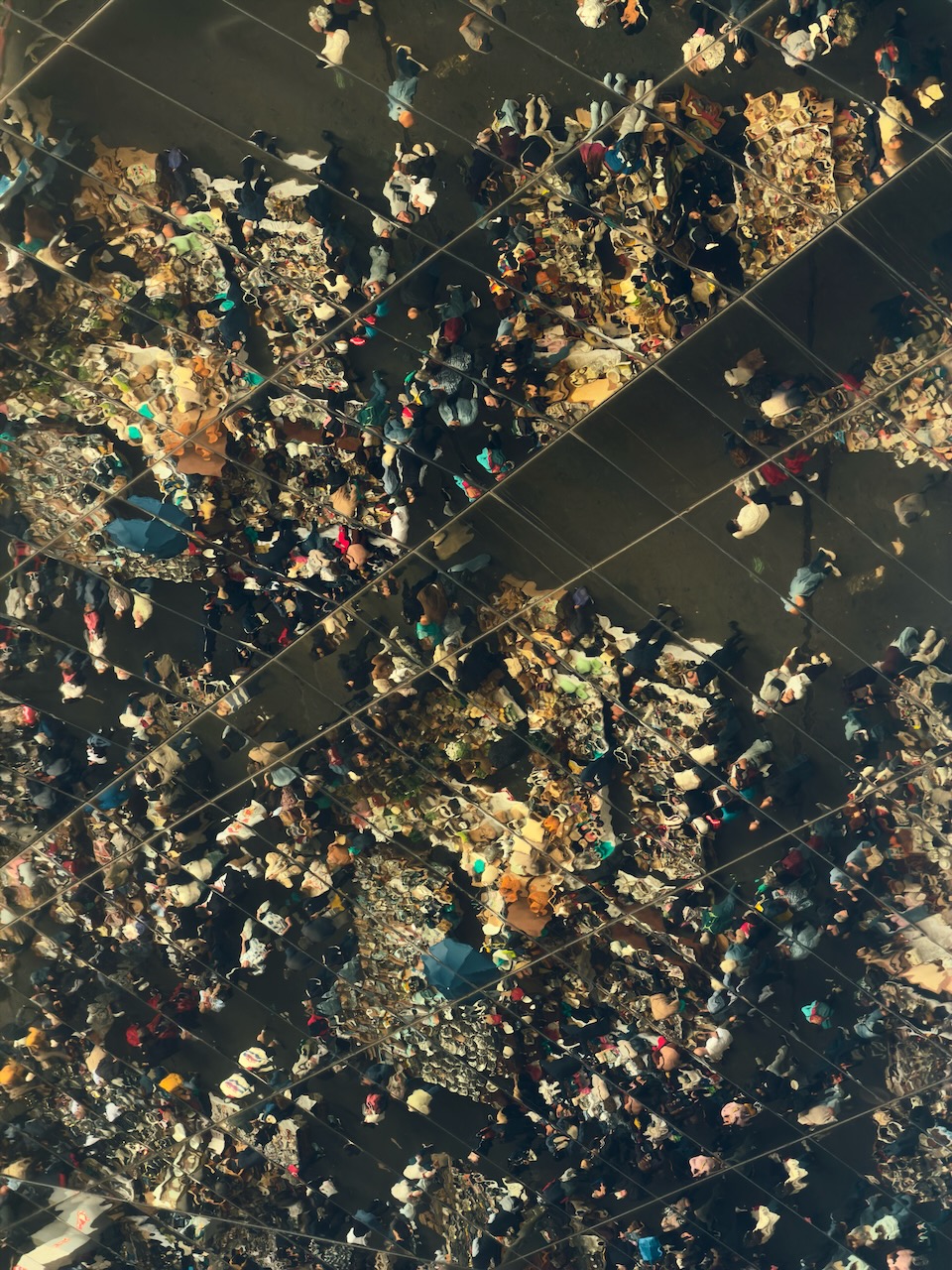
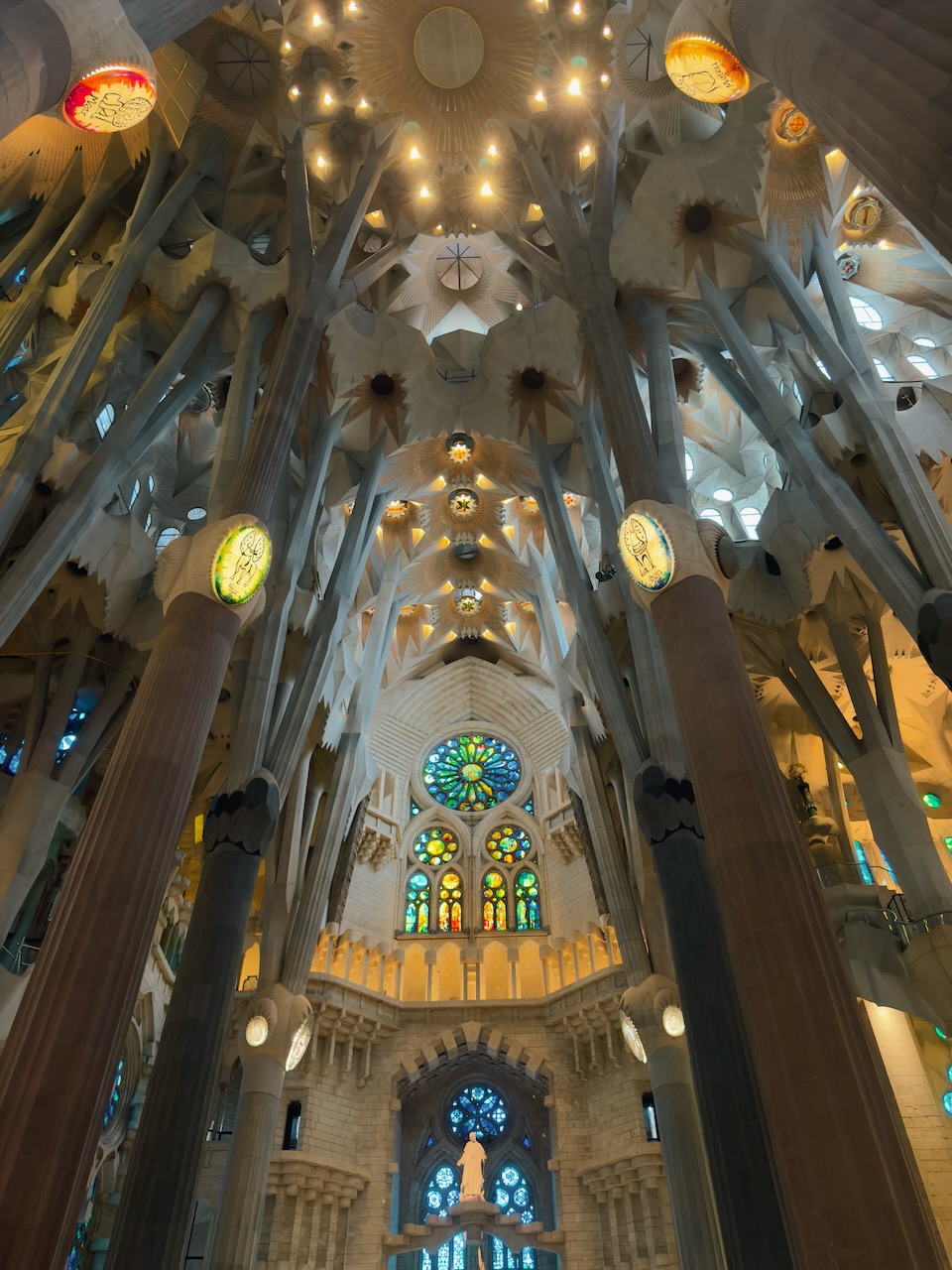
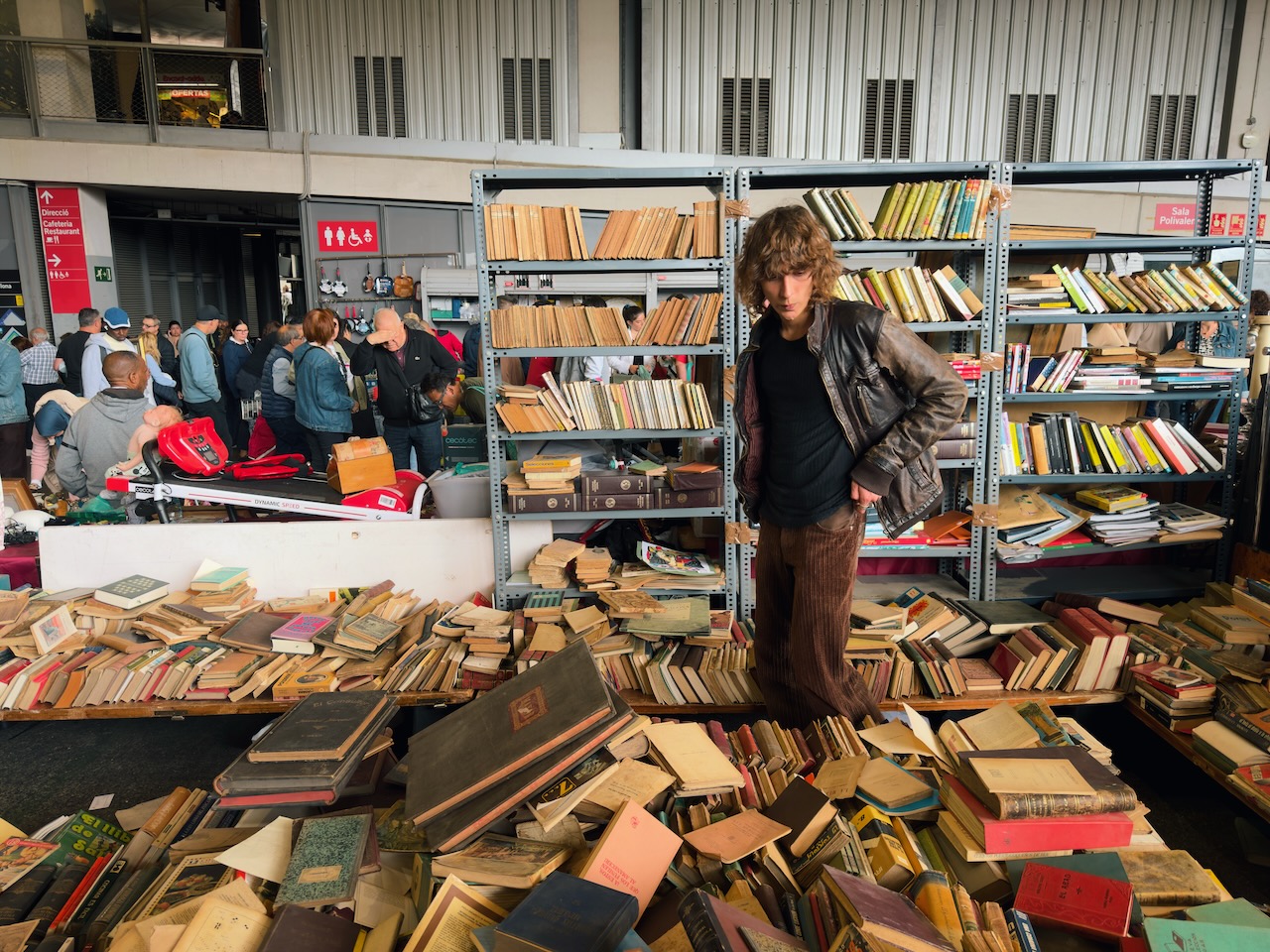
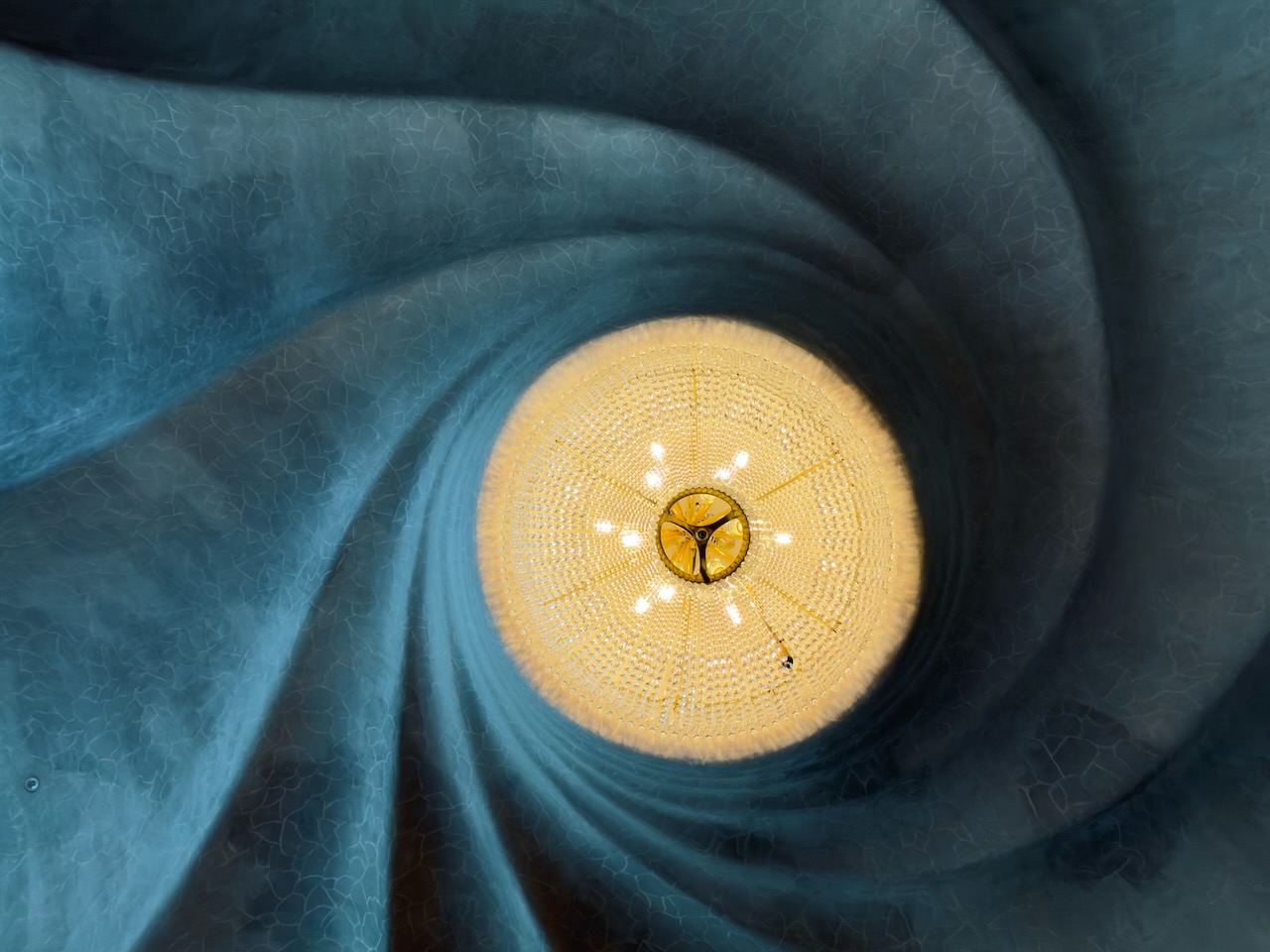
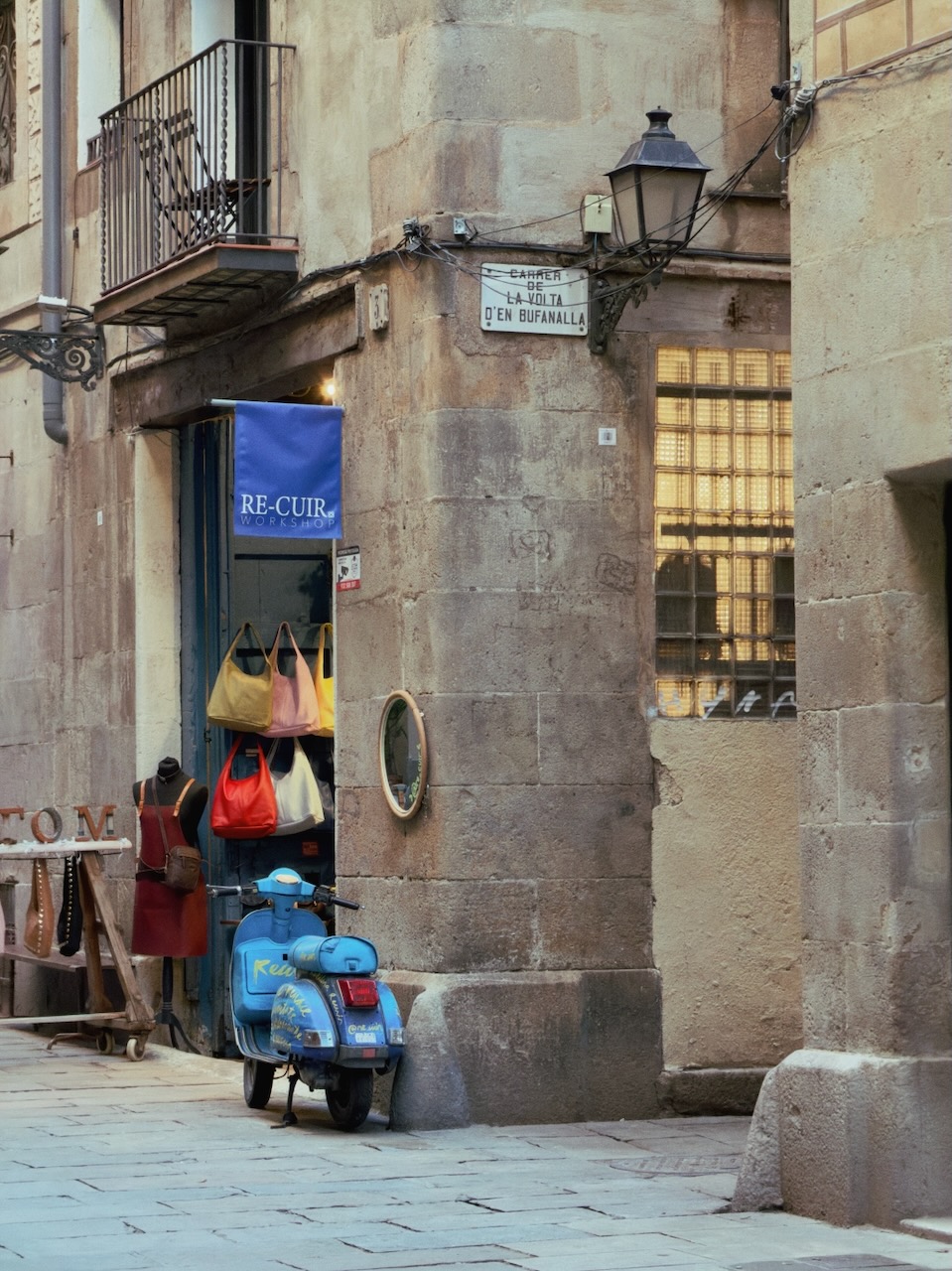
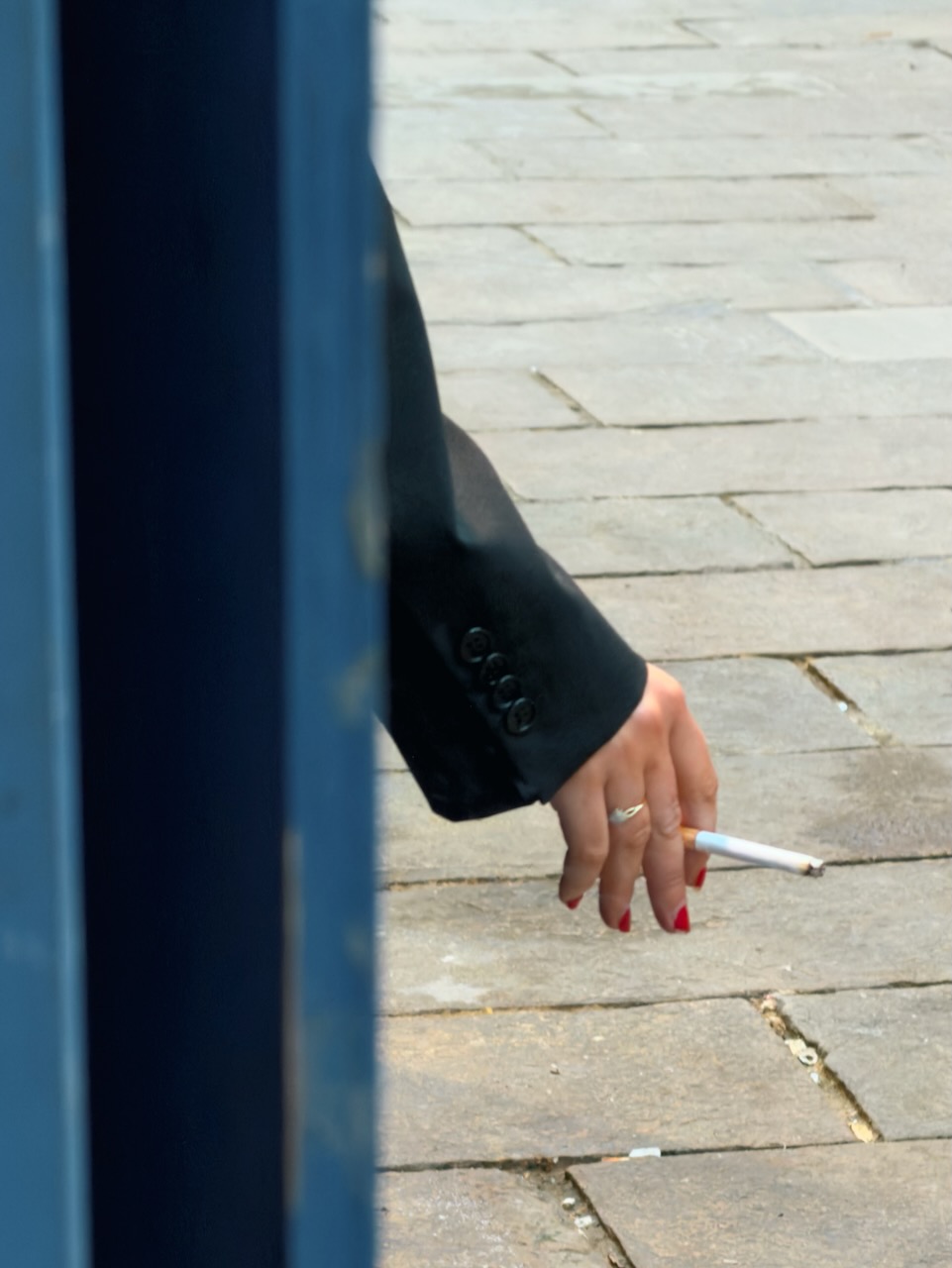
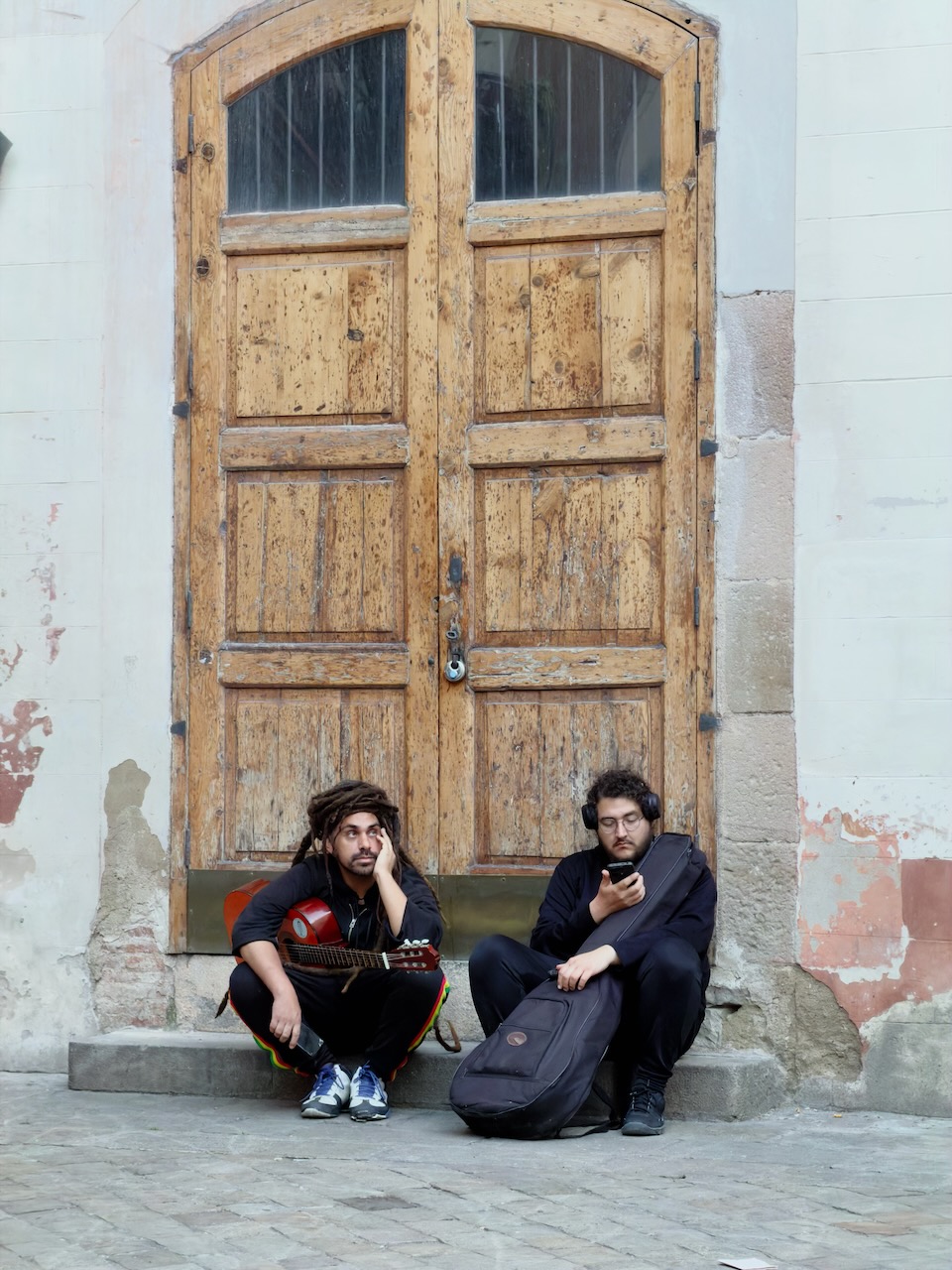
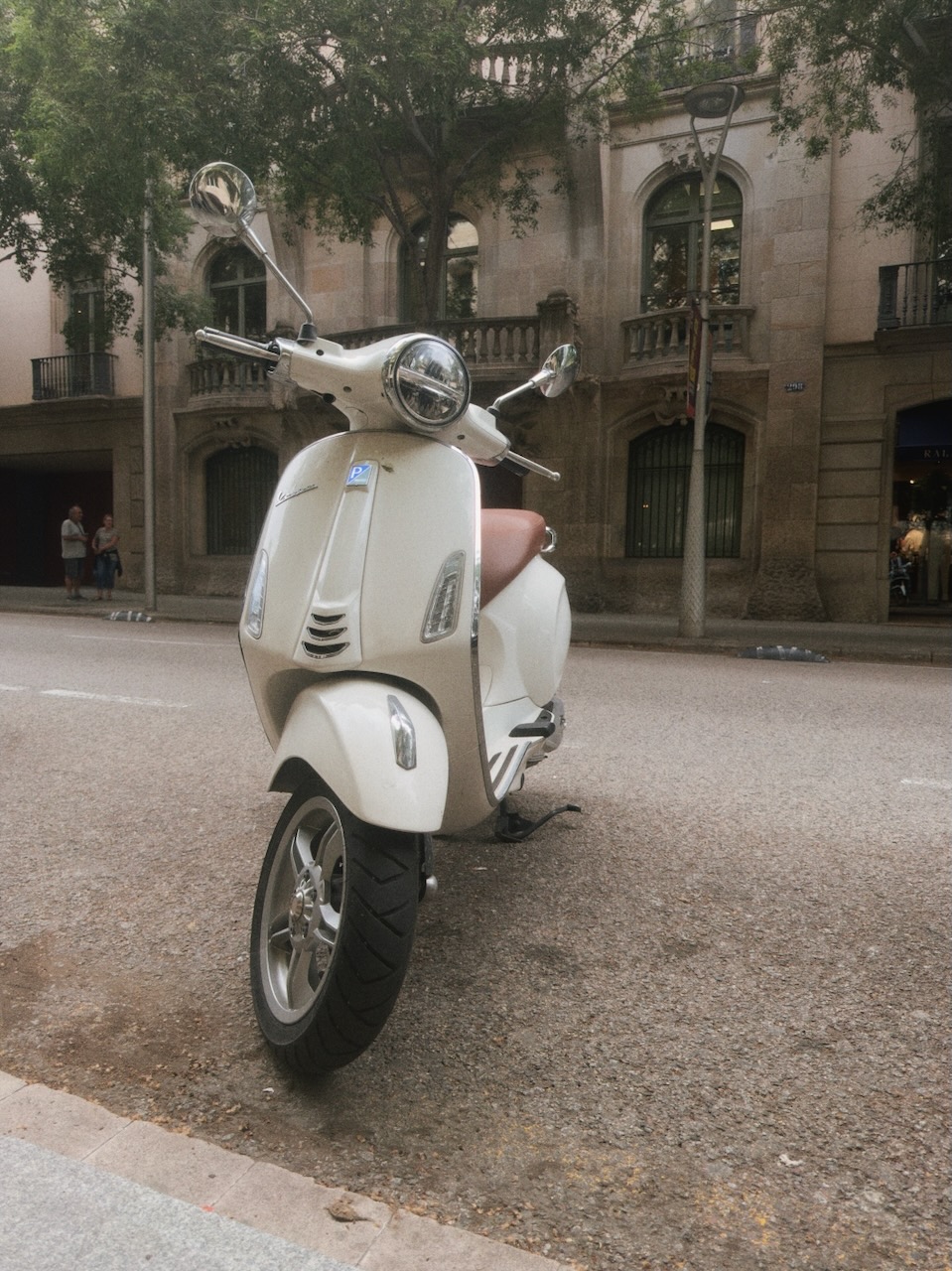
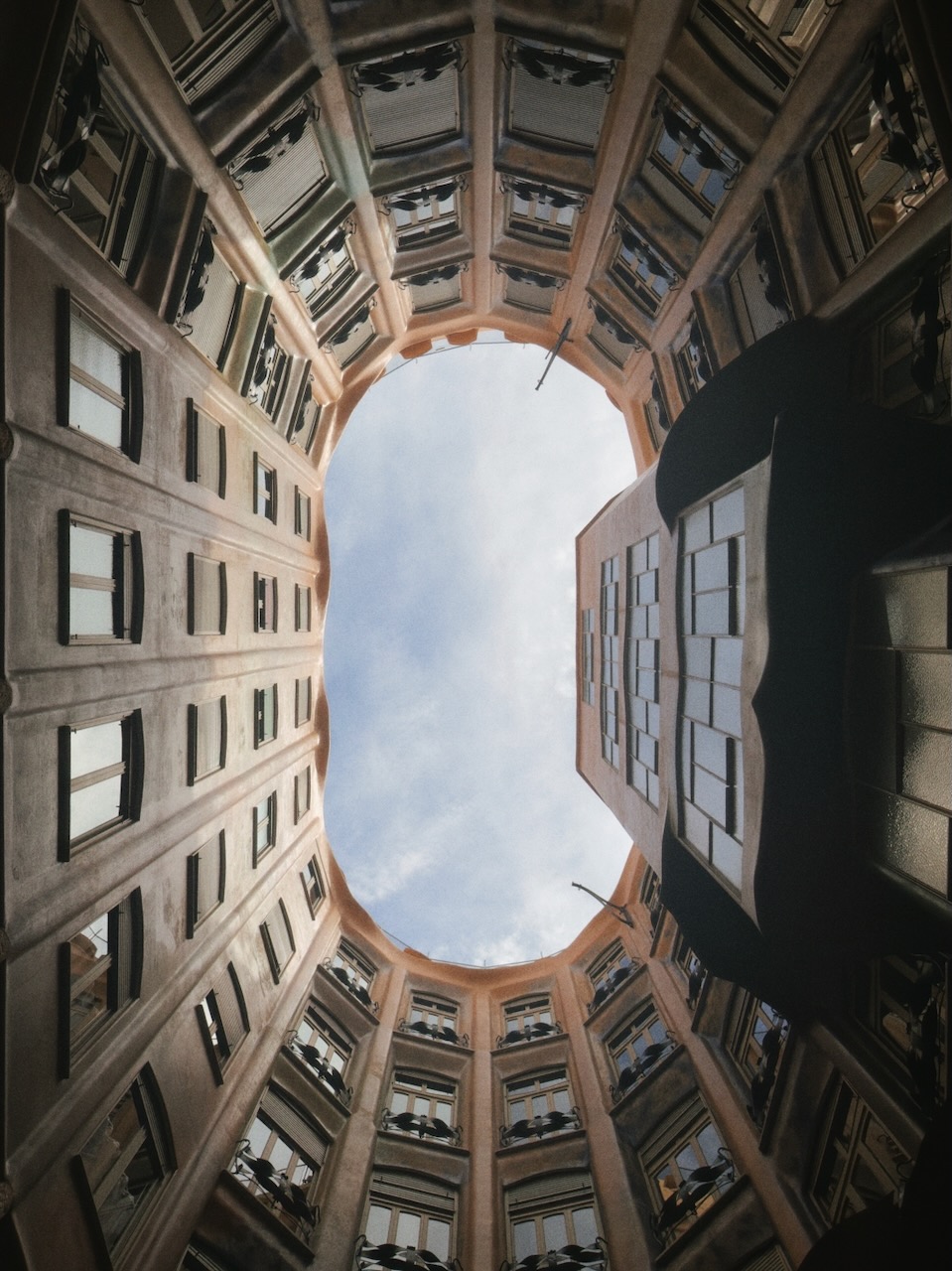
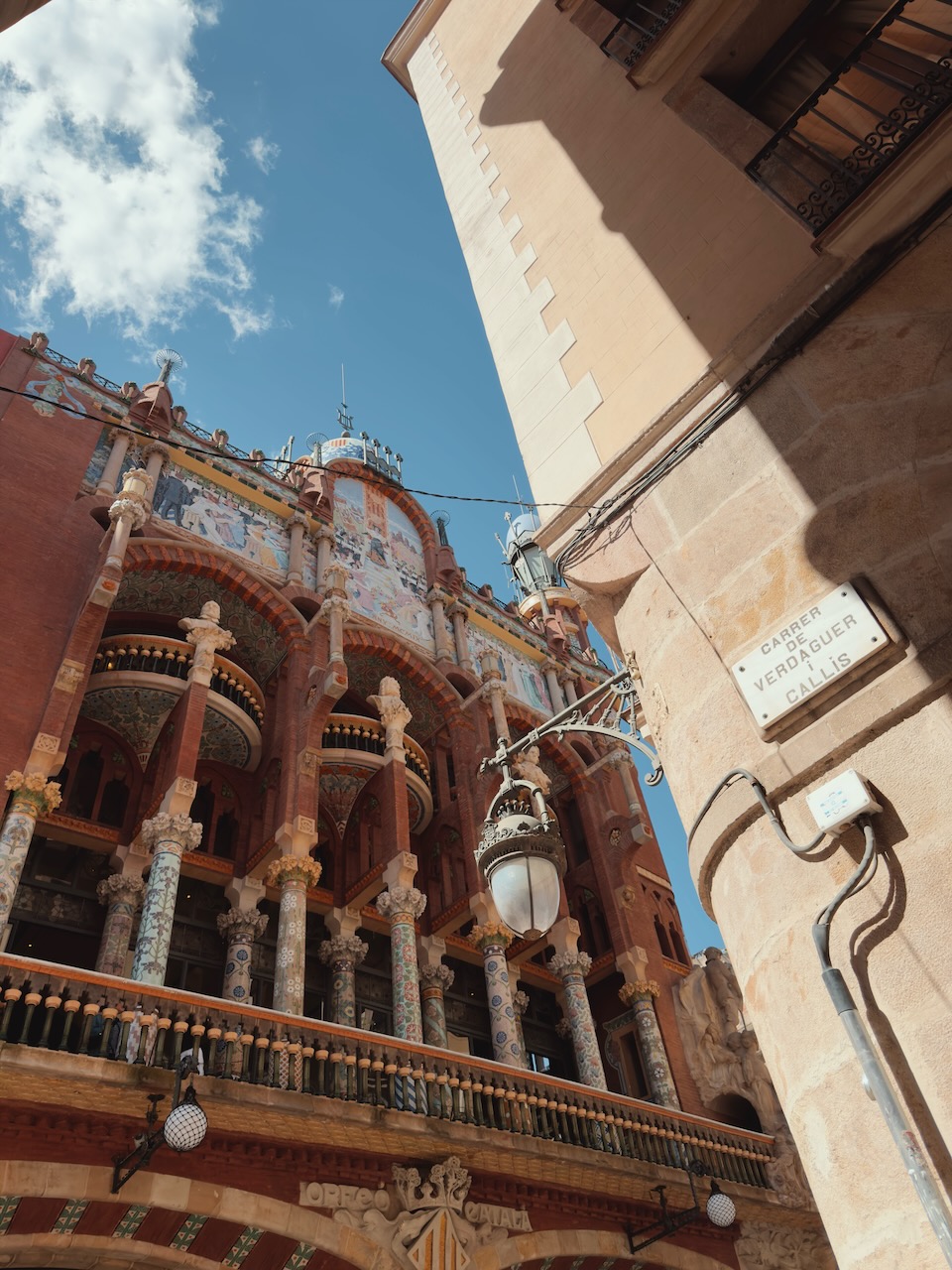
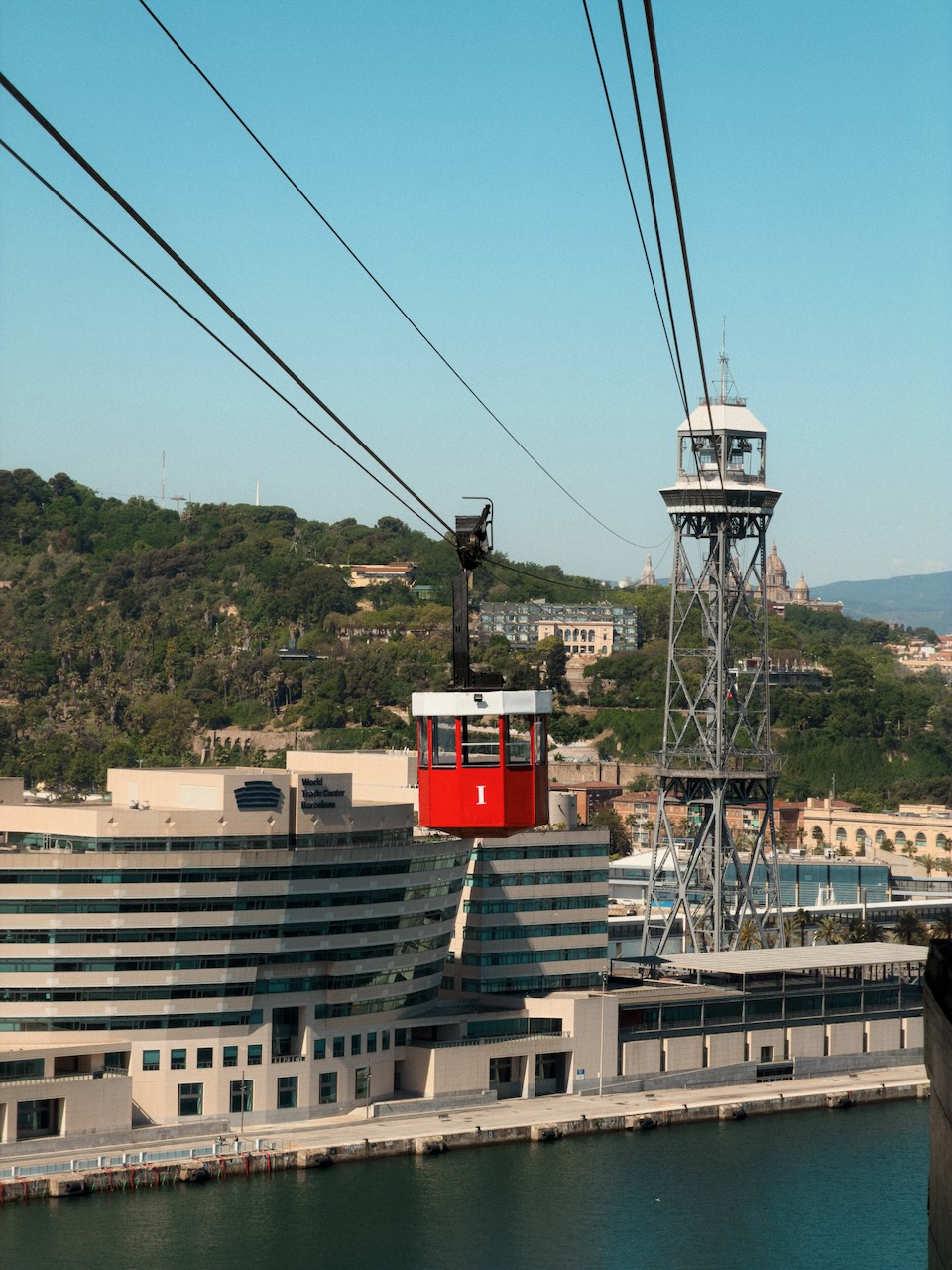
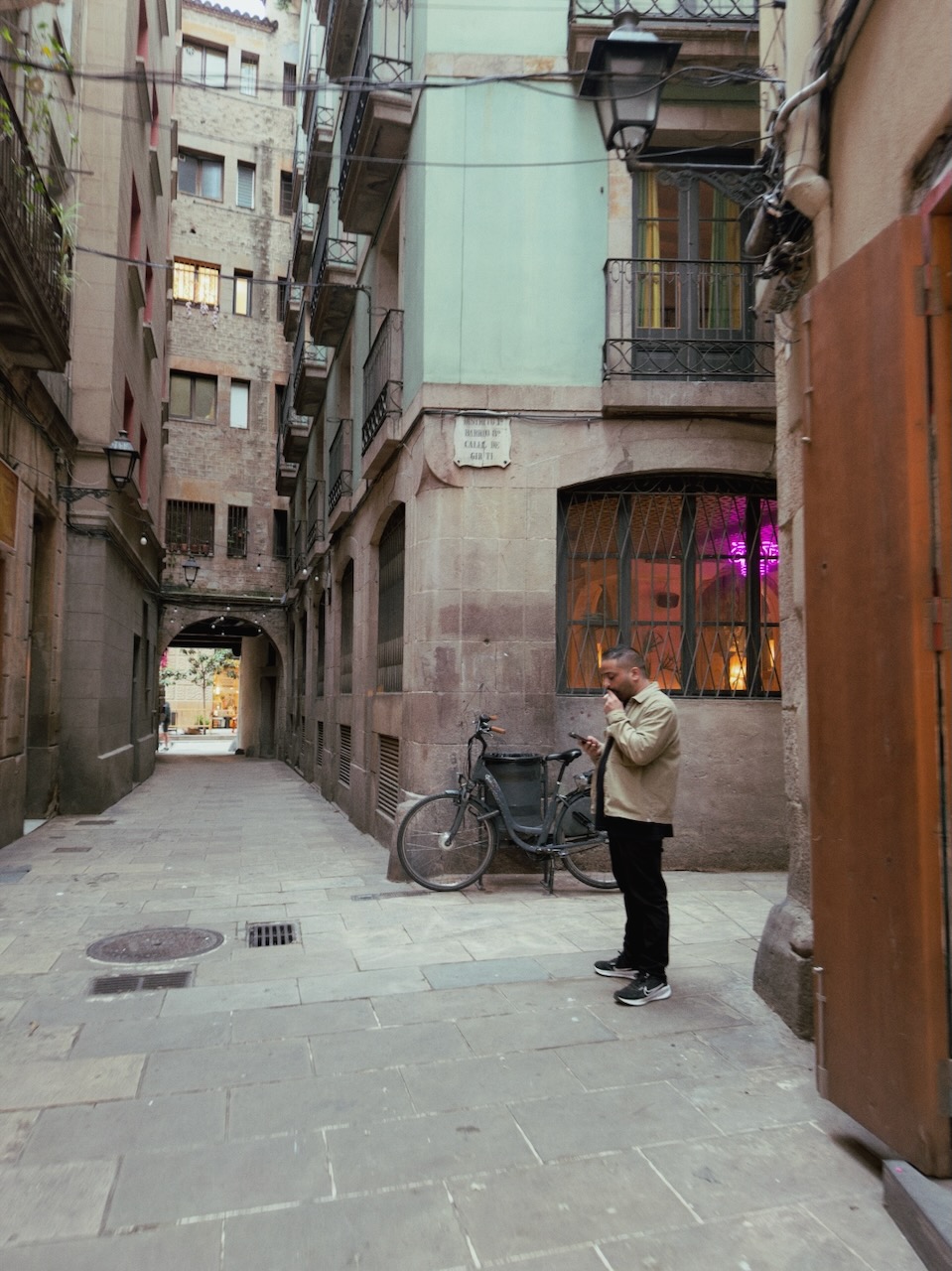
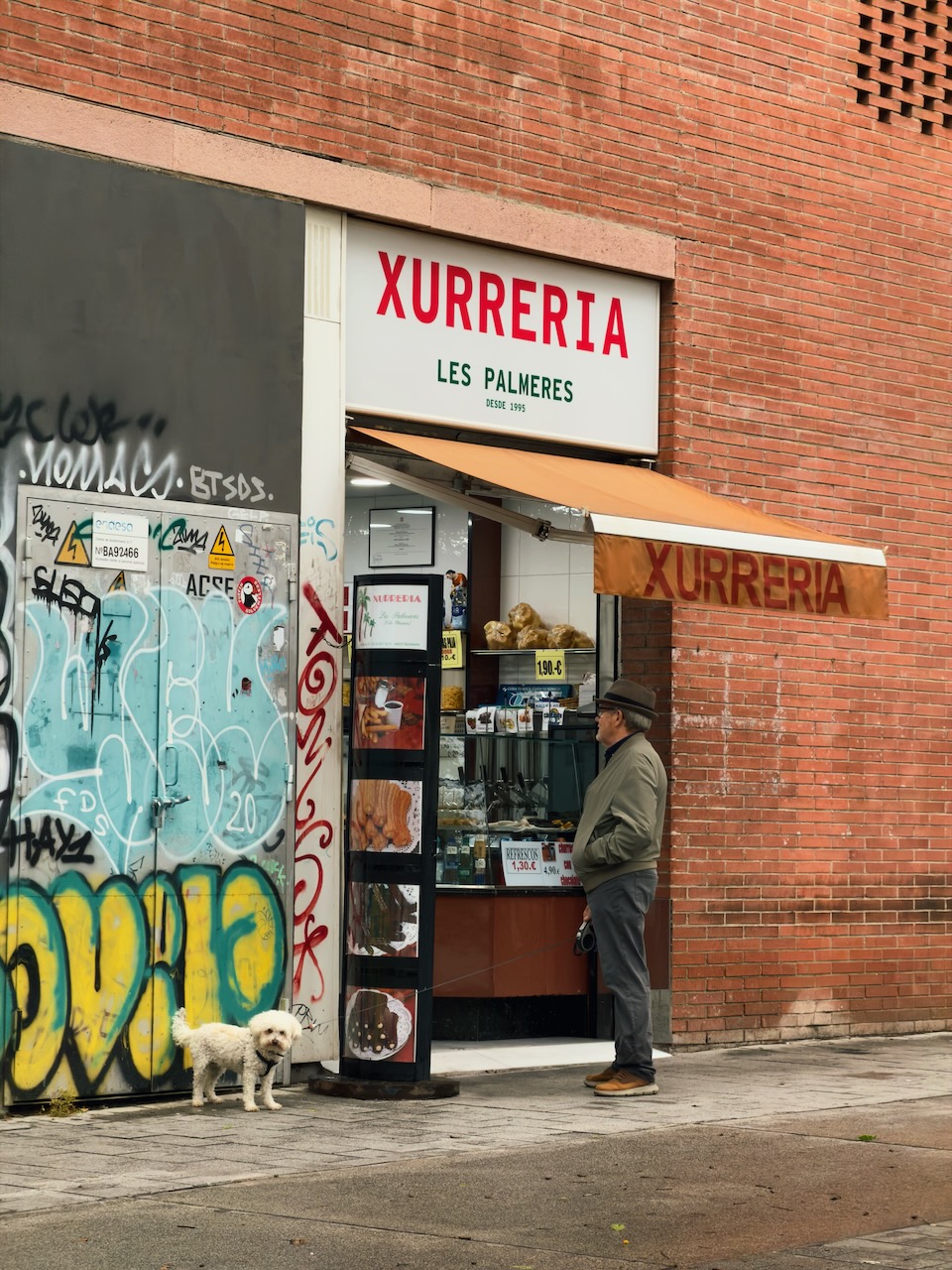
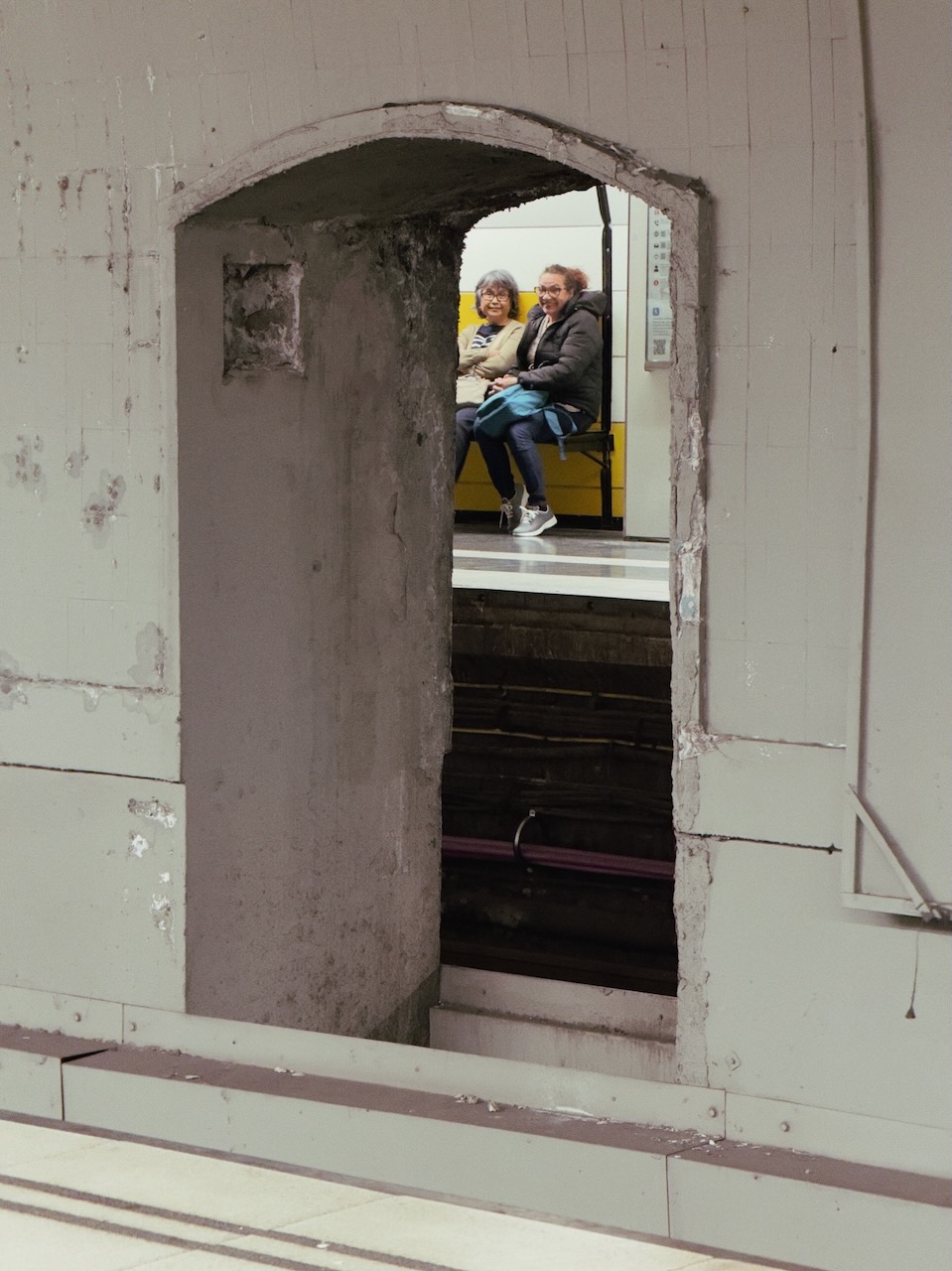
Here are some example shots - no edits. Any guesses which app took which?
Follow along by email
Every month or two I send a short email with my latest photos and blog posts, a few photography books, films and links I've enjoyed, and the first word on prints and workshops.
About the newsletter →